Driving Licence : DL Status & Renewal Guide
Guide helps you check DL status, apply for renewal, and understand every step of the Sarthi Parivahansewa process.
What is a Driving Licence?
A driving licence is a government-issued document that authorizes individuals to drive specific categories of vehicles such as motorcycles, cars, or commercial vehicles. Without a valid licence, driving on public roads is illegal and can result in penalties.
A driving licence (DL) is one of the most important legal documents for anyone who wants to drive a vehicle on public roads in India. It acts as official permission issued by transport authorities, confirming that a person is eligible and trained to operate a vehicle safely.
Types of Driving Licence in India
Vehicle Driver's Learner Licence (LL)
A temporary licence issueo beginners. It allows you to practice driving under supervision.
Permanent Driving Licence (DL)
Issued after passing the driving test. This is the official licence required for driving independently.
Commercial Driving Licence
Required for driving transport vehicles like trucks, taxis, and buses.
International Driving Permit (IDP)
Allows Indian citizens to drive in foreign countries.
How to Apply Driving Licence Online
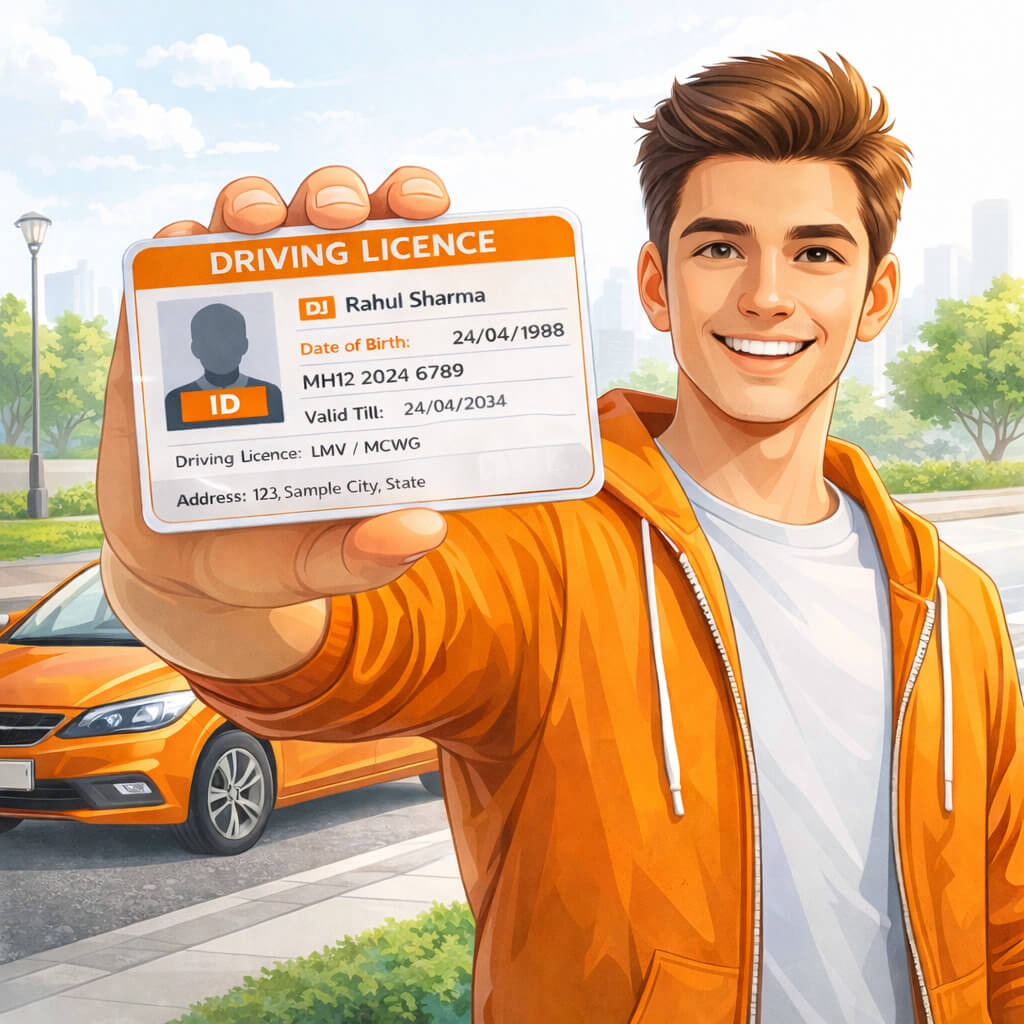
Driving Licence Status Check
After applying, you can easily track your driving licence status online. Follow the steps below to check your DL status quickly and stay updated.
Enter Application Number
Provide Date of Birth
Submit Details
View Current Status
Track Application Progress
Avoid Delays Easily
Apply Driving Licence Online
Follow these simple steps to complete your driving licence apply online process quickly and easily.
Visit Sarathi Parivahan website
Select your state
Click on Apply Driving Licence
Fill DL application form
Upload required documents
Book driving test slot
Pay application fee
Visit RTO for test
Documents Required for Apply DL Online
- Aadhaar Card
- Address proof
- Age proof
- Passport-size photo
- Learner Licence (for permanent DL)
Download Driving Licence (DL PDF)
Once your driving licence is approved, you can easily download driving licence online in PDF format from the Parivahan portal.
Visit Parivahan portal
Go to DL Services
Enter DL number or application number
Verify using OTP
Download driving licence PDF
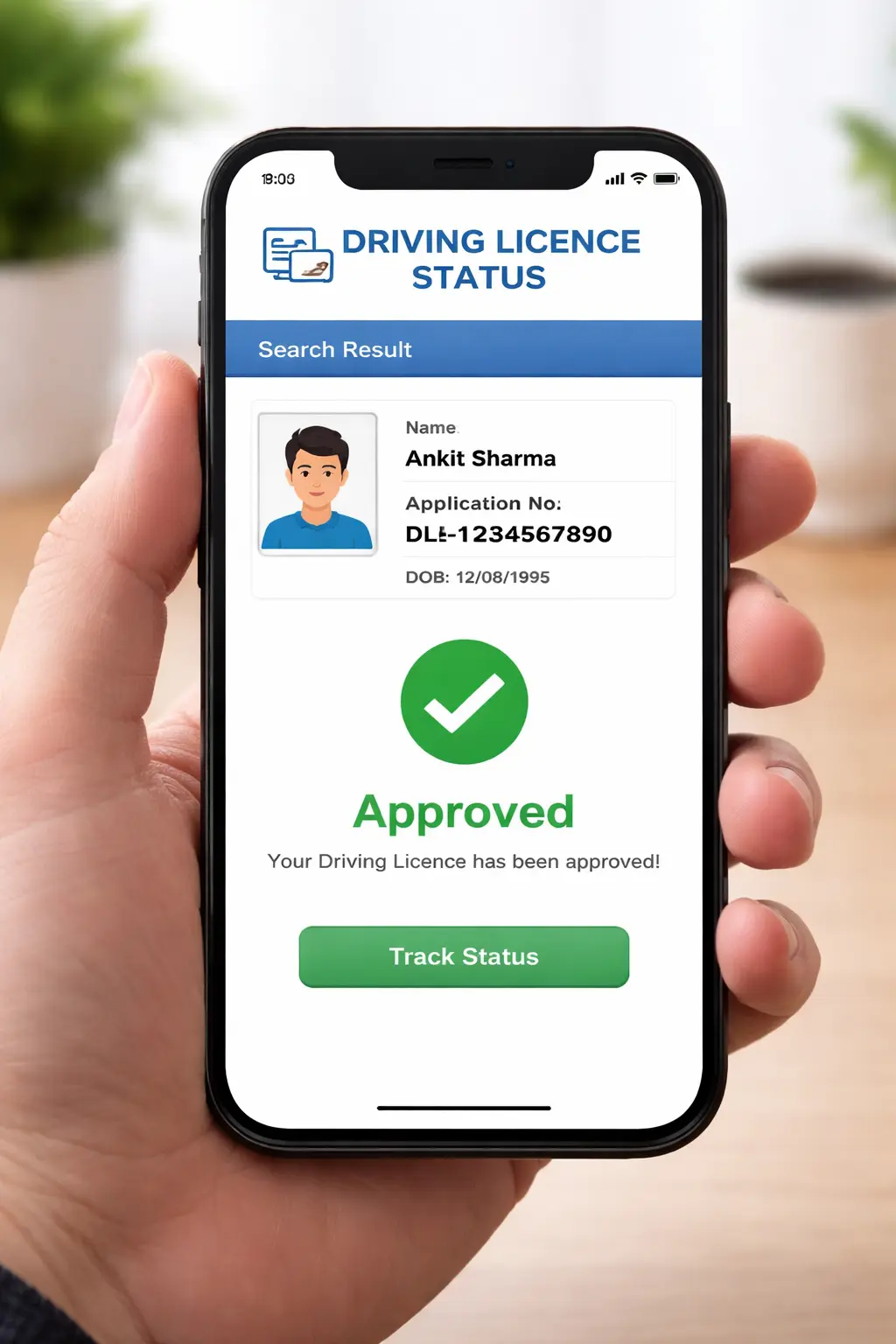
What is DL Status?
Your Driving Licence status helps you track the current condition of your licence, whether it is:
Checking your DL status online ensures that your licence is valid and ready for use.
When Should You Check DL Status?
You should check your Driving Licence status in the following situations:
👉 Also get a guide on how to easily check your RC book status through the 'sarthi parivahansewa guide' portal.
What Our Users Say
"Very easy to apply for driving licence online using this guide. Step-by-step process made everything clear."
— Harsh Bhardwaj"Driving licence download process explained perfectly. I was able to download my DL PDF without confusion."
— Ramesh Patel"Best guide to check driving licence status online. Simple instructions and very helpful for beginners."
— Krish Modi"Learner licence and permanent DL process explained clearly. The website design is clean and easy to follow."
— Vikram SinghFrequently Asked Questions
No. This is a private informational platform that provides step-by-step guidance on driving licence services. We are not affiliated with the Ministry of Road Transport and Highways. For official services, always visit the Parivahan portal.
You can apply for a driving licence online by visiting the Parivahan Sewa portal, selecting your state, filling out the DL application form, uploading documents, paying the fee, and booking a driving test slot.
To check DL status, enter your application number or driving licence number along with your date of birth on the official licence status portal. This helps you track approval, dispatch, or test updates.
You can download your driving licence online in PDF format through Parivahan Sewa, DigiLocker, or mParivahan app by verifying your details using OTP.
Common documents include Aadhaar card, address proof, age proof, passport-size photos, and learner licence (for permanent DL). Requirements may vary slightly by state.
After obtaining a learner licence, you must practice driving and then apply for a permanent driving licence by booking a driving test at your RTO.
You can renew your driving licence online by submitting the renewal application form, uploading required documents, and paying the renewal fee. In some cases, a medical certificate may be required.
Yes, digital driving licences stored in DigiLocker or mParivahan are legally valid and accepted by traffic police across India as per government guidelines.
If your driving licence expires, you should renew it within the grace period to avoid penalties. Driving with an expired licence may lead to fines or legal action.
Yes, you can apply for a duplicate driving licence online if your DL is lost, damaged, or stolen by submitting an application and required documents.
After passing the driving test, it usually takes a few days to a few weeks for your driving licence to be processed and delivered, depending on your state RTO.